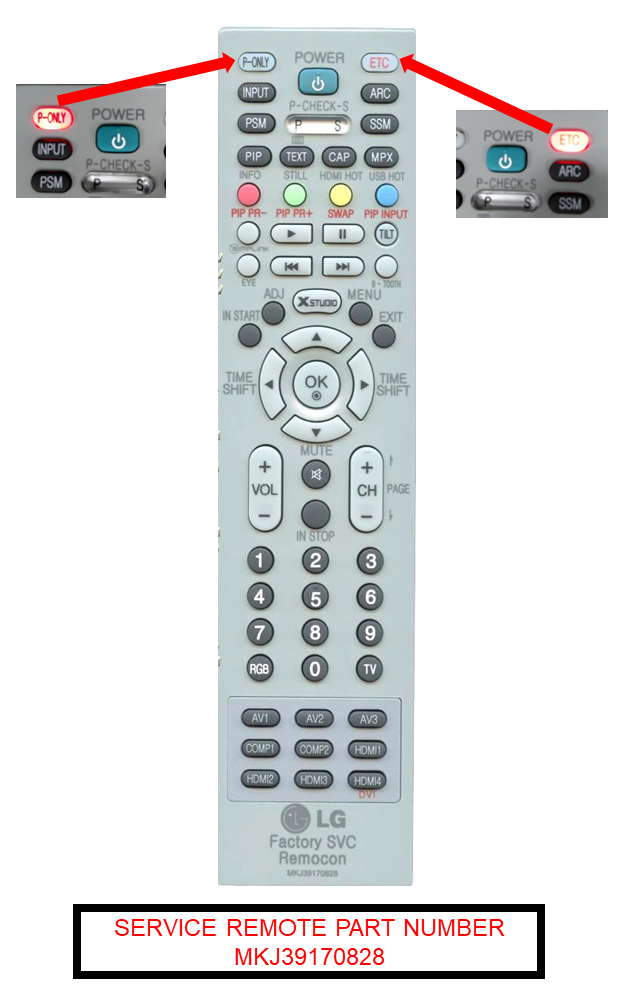
Service Remote Usage and Accessing the Internal Test Patterns
Test Patterns with New Service Remote
To run color test patterns on OLED & newer LCD units. Press the P-Only button. A white power only screen appears. Then press the yellow button and when pressed need to be sure the red P-only LED illuminates. If red ETC button illuminates then press red ETC button then press yellow button again and now red P-only LED should illuminate. Now press the channel up or down button to get test patterns to appear. Each press of the channel up button causes another test pattern to appear.