 Phenomenon (Issues)
– Paired Apple Airpods getting disconnected
– AirPods pair successfully with the TV initially. After TV power on (AC OFF → ON), AirPods sometimes fail to reconnect automatically.
 Expected cause (Is there a cause/symptom of this?)
1. Symptom : There are frequent instances where Apple AirPods (or certain wireless headsets) successfully pair with the TV, but do not automatically reconnect after the TV is rebooted (AC/DC power off → on).
2. Cause : During TV startup, Bluetooth is not fully ready when the AirPods connection is checked. As a result, the AirPods are not recognized correctly. The TV skips the automatic reconnection process.
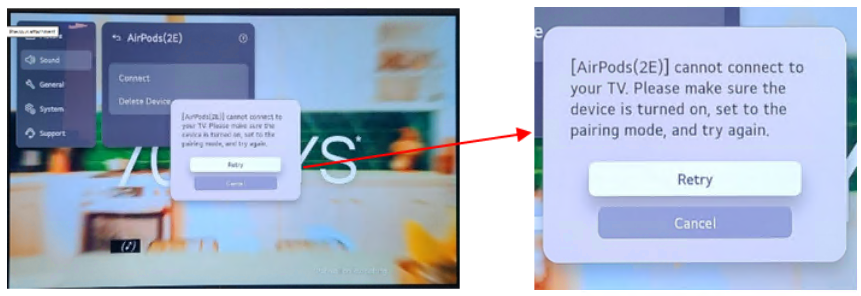
※ Problem symptoms
▶ “[AirPods(2E)] cannot connect to your TV. Please make sure the device is turned on, set to the pairing mode, and try again.”
 Countermeasure Or How to set up (Try this)
1. Delete the existing Bluetooth pairing information for the AirPods from the TV.
2. Pair the AirPods with the TV again and reconnect them.
3. Improvements are planned via a future software update. (Timeline yet to be decided)