Front Load Washer
ThinQ Product Registration Failed
Click on the Steps below to jump directly to that section:
If the error codes NA, NB, NI, NM, ND, or NS appear when registering your product in the ThinQ app, check the following.
Error NA: the product is too far away from the router.
Solution:
If the product is too far from the router. Move the product closer to the router and try again.
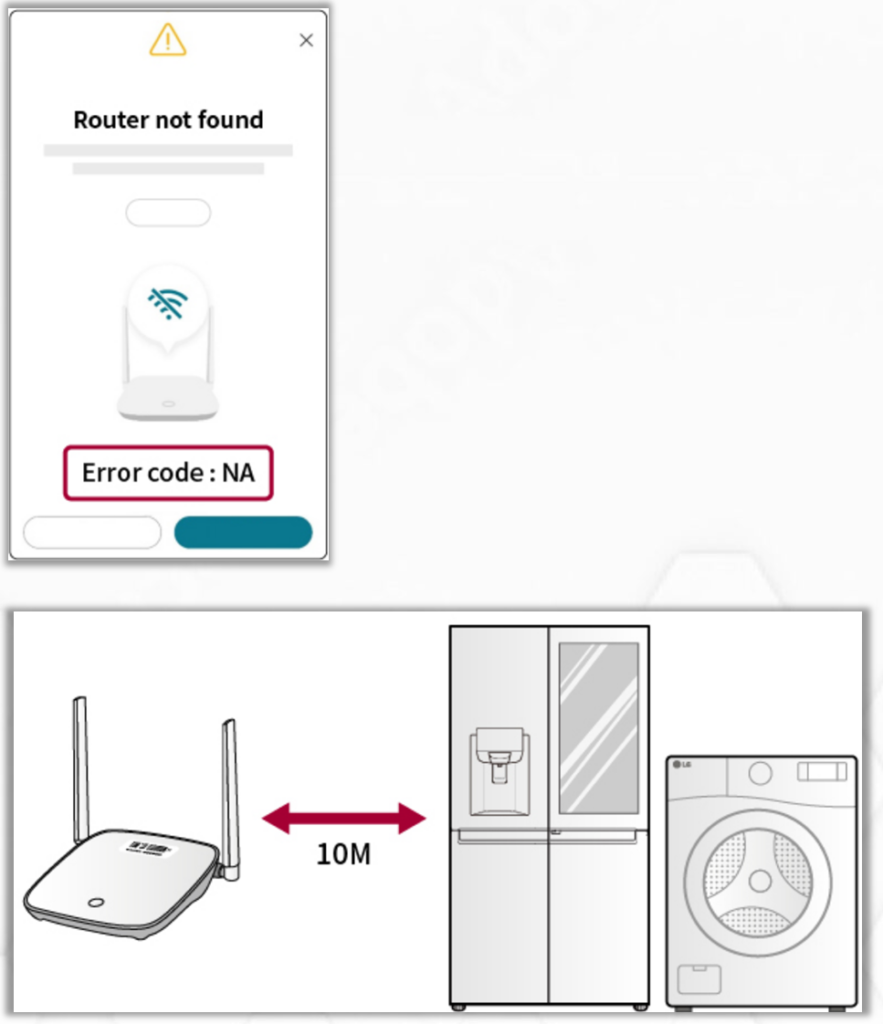
Signal range limits: Most home routers have a practical range of about 30 feet (9 meters) for optimal performance.
Obstructions: Walls, appliances, and even large furniture can block or weaken the signal.
Interference: Other devices like microwaves, cordless phones, and neighboring networks can further reduce signal quality.
Error NB: An incorrect password was entered.
Solution: The password is incorrect or incorrectly input into the app.
Check the router password (see the label at the top or bottom of the router).
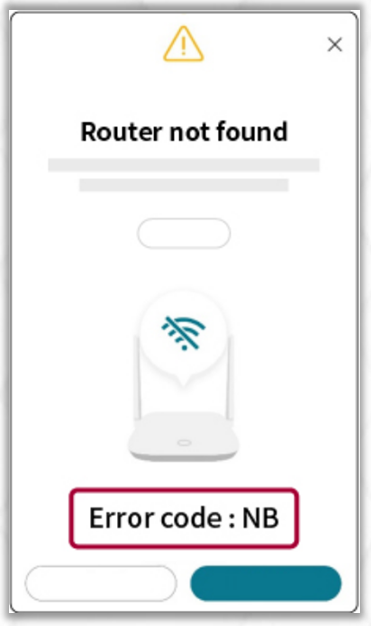
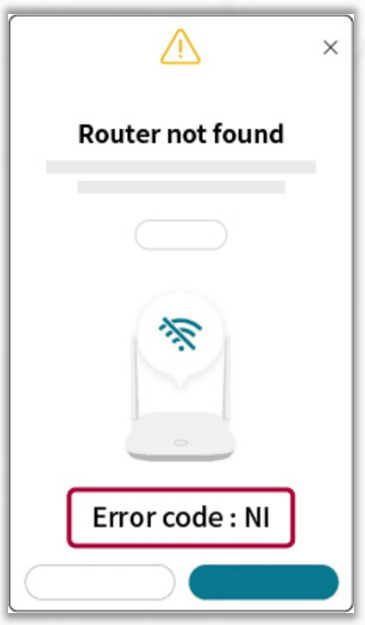
Error NI: Router IP not assigned (router issue).
Solution:
Reset the router
Press and hold the reset button on the back of the router for at least 3 seconds, or restart the router by unplugging the power cord and plugging it back in.
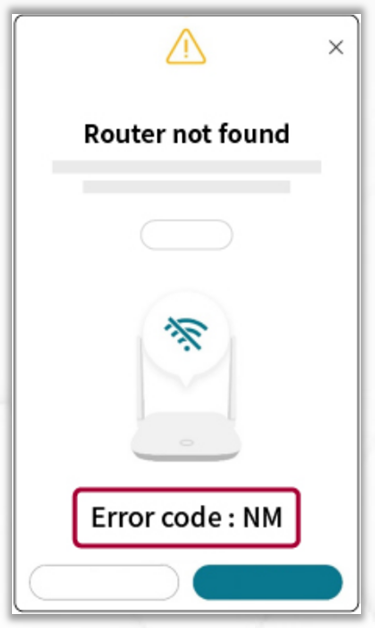
Error NM: The router has reached the maximum number of connected devices.
Solution:
Disconnect one or more devices from the router, then reset the router. Press and hold the reset button on the back of the router for at least 3 seconds, or restart it by unplugging the power cord and plugging it back in.
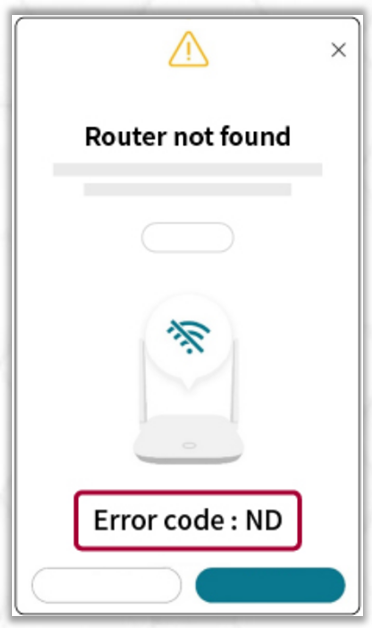
Error ND: The registration timed out because the product could not be identified, possibly due to a compatibility issue with newer routers.
Solution: Turn on your mobile hotspot or tethering, then try registering the product again.
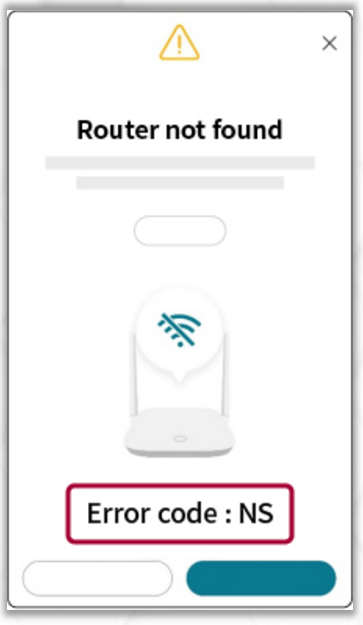
Error NS: The router may not be connected to the internet.
Solution: Check the router’s internet connection. Then, check whether other devices connected to the same router can access the internet.
Note: If you have multiple routers, reset the main router and all connected routers at the same time.
The ThinQ A supports 2.4 GHz Wi-Fi connections only. 5 GHz Wi-Fi is not supported.