Front Load Washer
No Power
Click on the Steps below to jump directly to that section:
**NOTICE**
Wiring Colors, Connectors, and Pins will vary by model/product code. Always be sure to download and use the service manual for your specific model.
For Test Mode procedures use this link and input your specific model: https://lgtestmodes.com/
Most issues with an LG washing machine not having power are caused by a tripped circuit breaker, a faulty electrical outlet, a power outage in the home, or in rare cases a unit that requires repair.
1 Check the Power Outlet
Make sure the power cord is completely plugged directly into a wall outlet. An extension cord or surge protector is NOT recommended. If you have been using an extension cord, plug the washer directly into the wall outlet and test the unit again.
2 Reset GFCI
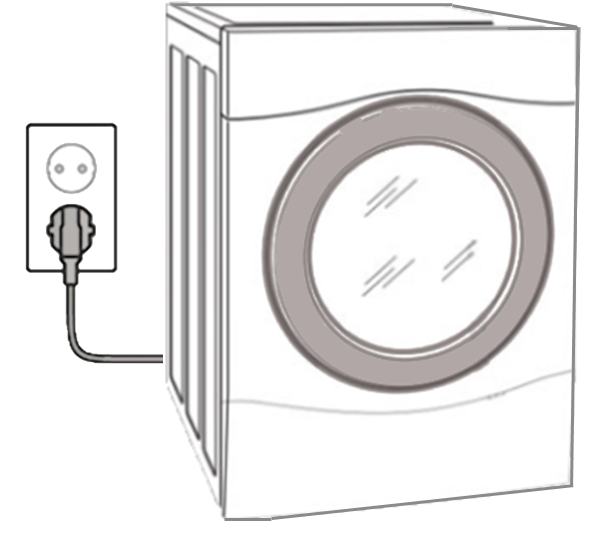
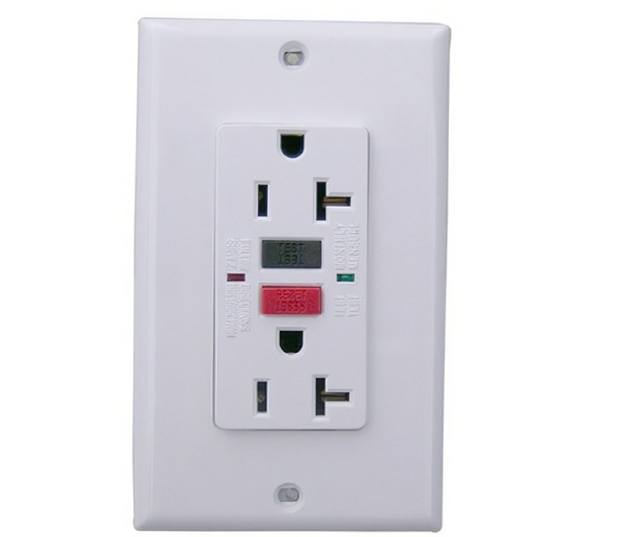
Reset the GFCI Outlet If You Have One.
A GFCI outlet can trip as a result of an overloaded current or a faulty connection.
3 Reset Breaker
Check the Circuit Breaker.
Turn off the circuit breaker, wait 5 seconds, then turn the breaker back ON.

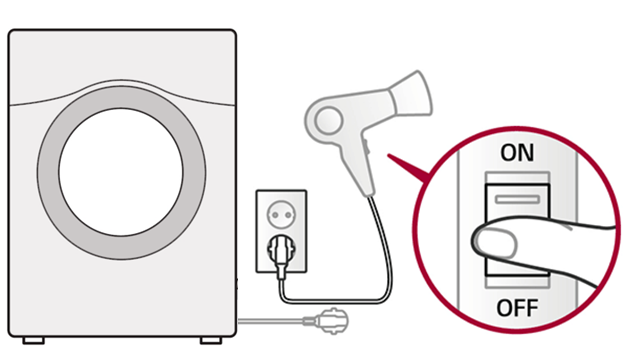
4 Test Outlet
Test the Outlet With Another Device. This will identify if there is a problem with the washer itself or if the problem is with the wall outlet.
5 Test Noise Filter
If the power is good at the source move to the Noise Filter.
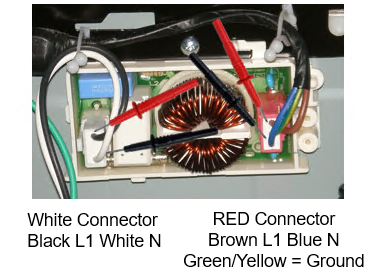
On the White Connector, Black is L1 and White is Neutral. On the Red Connector, Brown is L1 and Blue is Neutral. The Green and Yellow is the ground.
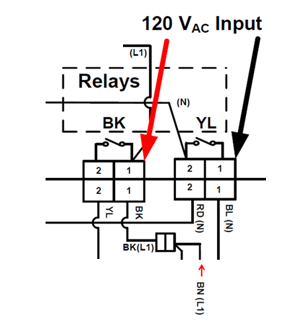
120Vac should then be found on the incoming wires to the Main PCB relays.
6 Test Main Board
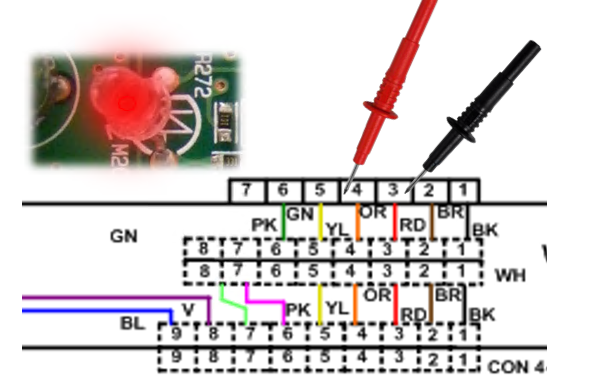
To verify the Main PCB is bad go to the connector with BLACK and RED and YELLOW wires. There should be 120Vac without the Power button being pressed Across BLACK and RED if no power, the main PCB is defective.
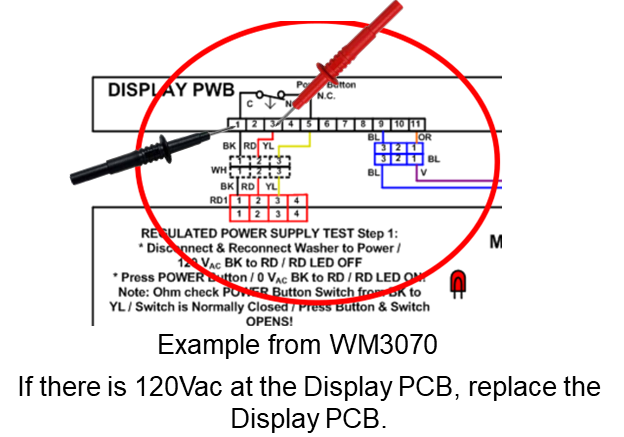
Below is an Example from WM3070. If there is 120Vac at the Display PCB, replace the Display PCB.
7 Test Display Board
Checking the Display PCB voltage, press the power button, The Red LED on the Main PCB should be on, then read 12Vdc Red to Orange, and 5Vdc from Red to Yellow. If the voltage is coming from the Main PCB, the display PCB is bad, and needs replaced. If no voltage at Main PCB, then the Main PCB is bad and needs replaced.