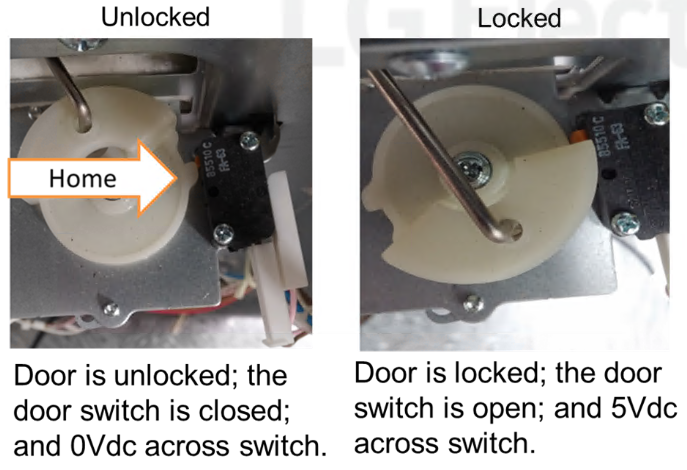
When the unit has been placed into Self Clean / Easy Clean, it will stay locked until the unit’s internal temperature cools to a safe level.
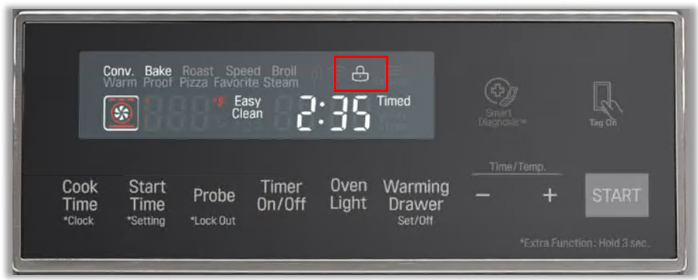
Caution: do not try to open the oven door until the unit has cooled down. After that the door will automatically unlock, and the lock symbol will disappear.
If the oven has cooled down but the door is still locked, you can try manually opening the lock.
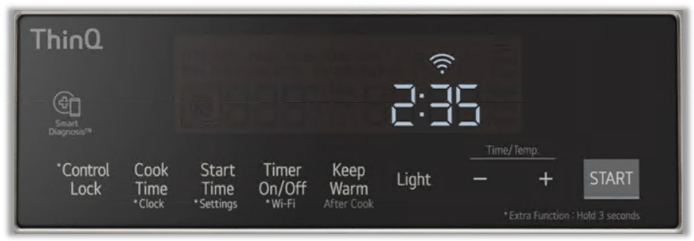
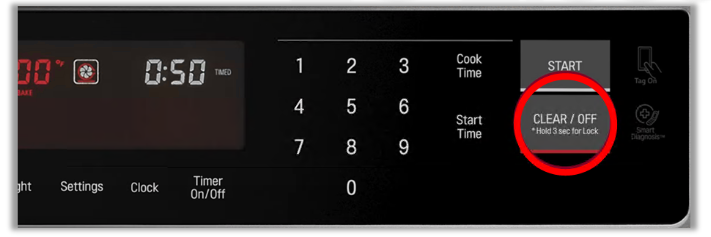
Press and hold the Clear / Off button for more than three seconds. This process will vary from each model, please check your unit’s owner’s manual.
If the unit still will not unlock, try powering the unit off, unplug for a few minutes, then plug it back.
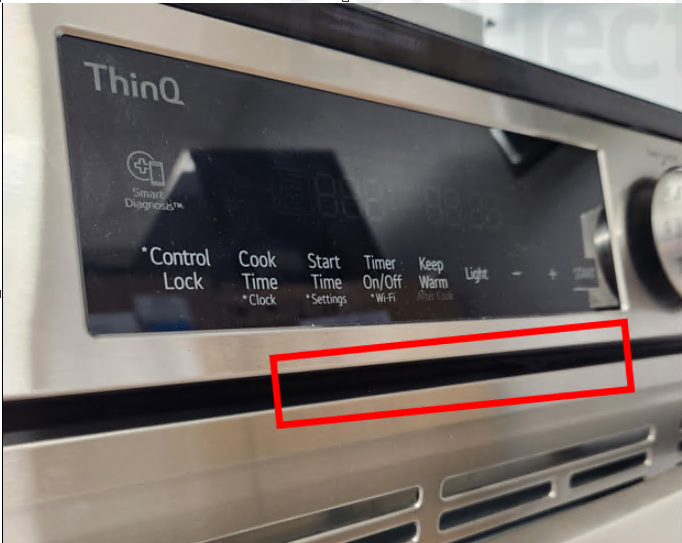
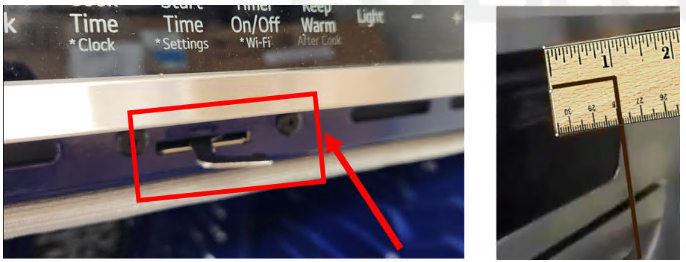
On some models you will be able to hook the door latch and manually open the door.
You will need a thin stiff wire or rod with a bend in it approximately one inch long. Place it inside the opening at the top of the door and pull the latch to the left to unlock it.