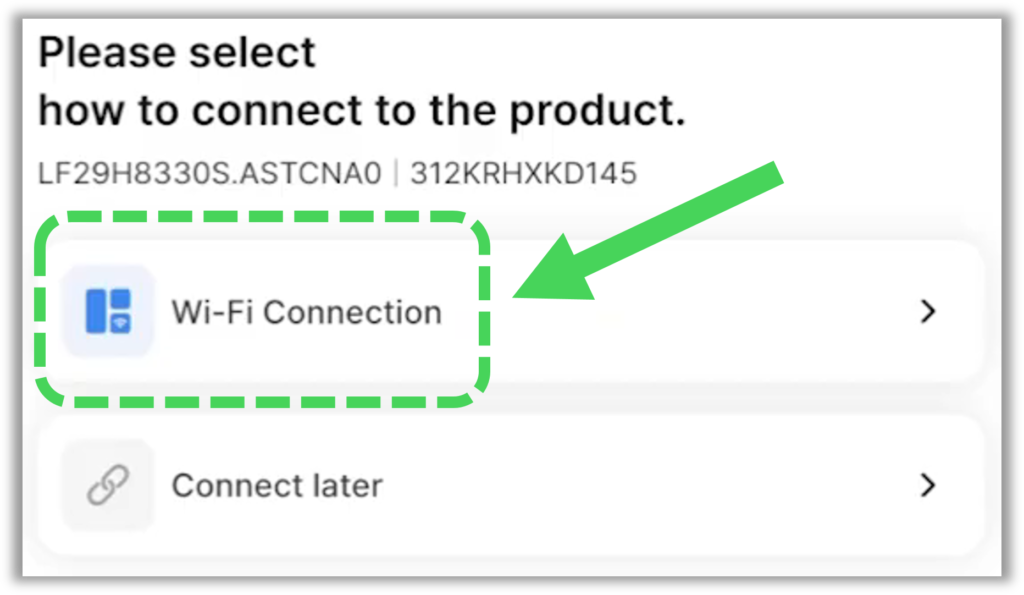
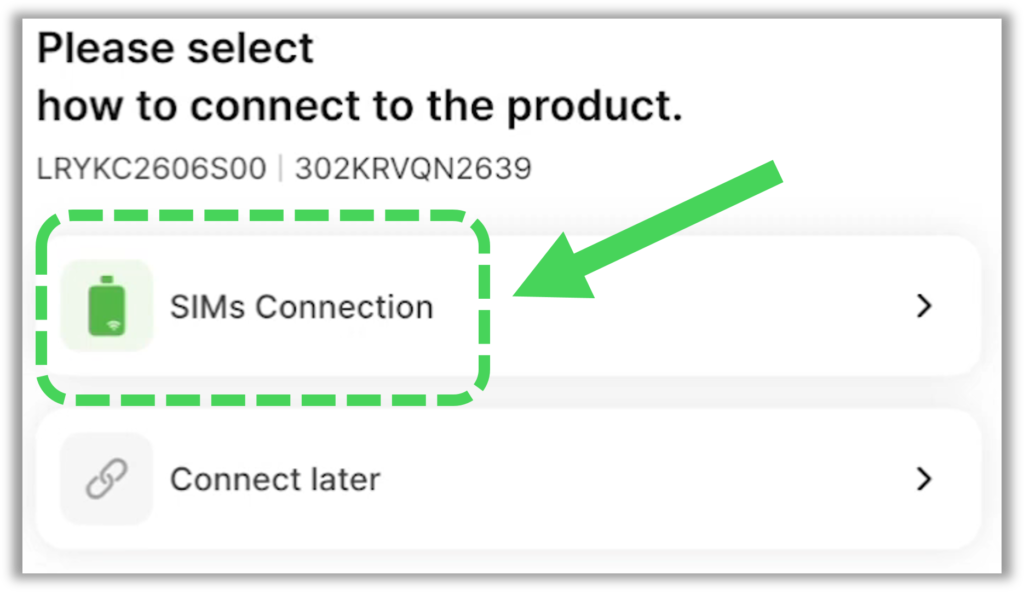
Once you enter the model and serial number into LGSC, your connection options will be shown. Some models will connect using Wi-Fi while others will require you to use the Sims 2.0 dongle to connect.
Below will show you how to identify which connection method to use and you will also find a training video on how to connect LGSC using both methods.
If you see the “Wi-Fi Connection” option as shown below, then you can activate Wi-Fi on the unit and your mobile device to connect…
If you see the “SIMs Connection” option as shown below, then you will need to connect the Sims Dongle to the Main PCB to connect to the unit…
Sims 2.0 Dongle Part# AGF80217801
To download a PDF version of the LGSC User Guide, Click Here: